
CELPIP Blog
CELPIP Microphone Settings: Place It 2–3 cm Away, Then Rehearse
CELPIP Microphone Settings: Place It 2–3 cm Away, Then Rehearse

Set your headset snugly, place the mic 2–3 cm from your mouth and angle it slightly to the side. Adjust your volume so your voice sounds clear but never peaks. Then run the system audio check and record a mock answer at home. If playback sounds even and the room noise stays low, your CELPIP microphone settings are ready.
TL;DR:
- During setup, center the earcups, verify sound in both sides, test prompt clarity, speak during the recording check, and alert the proctor before the clock starts.
- Position the boom near your mouth corner, angled off axis to prevent pops; keep your posture and distance consistent across every speaking response.
- Set a comfortable headphone level, then record and replay normal volume; if loud words clip, move the mic farther away or lower input gain.
- Shared rooms bring keyboards, murmuring, and coughs; choose a seat away from doors, angle the mic from vents, and report major disruptions promptly.
- Rehearse a day or two before the test and again that morning; record two short answers, replay them, correct issues, and confirm with another clip.
Table of Contents
- What should you check in the test room before you start?
- How do you position the microphone for a clear recording?
- How do you set and test headphone and microphone volume?
- What can you do about background noise and interruptions?
- How do you rehearse your microphone setup at home?
- What should you do if your headset or microphone stops working?
- Why does a consistent mic setup matter?
- How can you rehearse audio and speaking tasks with our help?
- FAQ
What should you check in the test room before you start?
Expect a shared room. Other test-takers will be speaking, typing and clicking around you, and the staff will help with equipment problems but won’t coach you on setup. The headset is usually provided, so your job is to make it fit and work for you. Treat the setup time as your only window to fix things.
Fit matters more than most people think. A band that is too loose slides, and a band that is too tight leaves you with a headache by the second speaking task. If you wear glasses, check that the earcups don’t press on the arms.
Run through this checklist in order during the official setup:
- Adjust the headband so the earcups sit centred over your ears.
- Confirm sound plays in both the left and right earcup.
- Listen to the system prompt and check that the voice is clear, not muffled.
- Speak a few words when the recording check starts and watch the level indicator.
- Raise your hand and tell the proctor right away if anything sounds off.
Do all of this before the clock starts. Our guide to CELPIP test navigation explains how the rest of the session unfolds.
How do you position the microphone for a clear recording?
Place the mic close to your mouth, angled slightly off to the side rather than pointed straight at your lips. Direct airflow from sounds like “p” and “b” causes pops, and a small off-axis angle cuts them without hurting clarity. Keep the mic near the corner of your mouth, not under your nose or chin.
Your headset style changes the details:
- Short boom: Bend it gently toward the corner of your mouth. Don’t pull it so far that it rests on your cheek.
- Long boom: Pull it back slightly so it doesn’t sit directly in front of your breath.
- Integrated or inline mic: You can’t bend it, so sit upright and keep your chin level to hold a steady distance.
Consistency is the real goal. If you lean in for an early task and slouch back for a later one, your levels jump between responses. Pick a posture you can hold for the whole speaking section and check it before each recording.
Pro Tip: If you hear pops or a sharp “s” sound, rotate the mic slightly to the side instead of moving it far away. Small turns fix most problems and keep your voice strong.
How do you set and test headphone and microphone volume?
Headroom is the safety gap between your normal speaking level and the loudest sound the system can record without distorting. Without it, a naturally louder moment in your answer turns harsh and crackly. With it, the recording stays clean even when your voice rises.
Use this three-step check during setup and at home:
- Listen to a prompt and adjust the headphone volume until the voice sounds clear and comfortable, not loud.
- Speak at your normal test volume, with the same energy you’ll use on the day.
- Record a short clip, play it back, and judge whether your voice sits clearly above the room noise.
Clipping shows up as distortion or harsh spikes on your loudest words. If you hear it, move the mic slightly farther from your mouth, lower the input gain if your device allows it, or reduce the system volume. Then record again.
Always play back a sample answer rather than trusting the level meter alone. Your ears catch balance problems a meter misses. For a deeper walkthrough, see our guide to setting CELPIP headphone volume.
What can you do about background noise and interruptions?
A shared testing room is never silent. You will likely hear keyboards, quiet murmuring from other test-takers, chairs shifting and the occasional cough. Plan for low-level noise instead of hoping it disappears, because the microphone is built to cope with some of it.
Practical steps that cost you almost no effort:
- Choose a seat away from the door or busy corridor when you have the option.
- Silence your phone and any device you’ve brought, or leave it where the centre tells you to.
- Angle the mic away from fans, vents and heaters.
- Keep your voice steady rather than raising it, since shouting only adds distortion.
If noise is constant, slow your pace slightly and enunciate your consonants. You don’t need to sound robotic. A touch more clarity is enough.
If something loud or disruptive happens, tell the proctor straight away. They can address the source of the disturbance or note it, which is far better than silently struggling through an answer.
Pro Tip: Record your home rehearsal with a fan or TV running quietly in the background. If your answer is still easy to follow, you’re prepared for a typical test room.

How do you rehearse your microphone setup at home?
A brief routine is enough to remove most surprises. Repeat it a day or two before the test and again on the morning of, so your hands and posture already know the setup.
- Put on your headset the way you will on test day and adjust the fit.
- Check sound in the left and right earcups, then set a comfortable volume.
- Record two short speaking tasks using a phone or your computer.
- Play both back and listen for clarity, clipping and background hiss.
- Fix anything you hear, then record one more answer to confirm.
Match your practice conditions to the real thing: the same seating height, the same mic distance and a little ambient noise if you can manage it. When your rehearsal feels dull and predictable, that is the sign you’re ready.
Once your audio is solid, move on to content. Our breakdown of CELPIP speaking structure and task templates gives you practice material, and our listening strategies help you with the other half of the audio experience.
What should you do if your headset or microphone stops working?
Act quickly and stay calm. Every second you spend guessing is time lost from your answer.
- Raise your hand and tell the proctor immediately, then follow their troubleshooting steps.
- Accept a replacement headset if one is offered.
- After switching, match your previous mic distance and speaking pace as closely as you can.
- If the problem can’t be solved, ask the proctor about your options for a retest.
Proctors handle equipment failures routinely, so you won’t be the first they have seen. If you rely on a stable internet connection for any part of your preparation, this VoIP latency testing guide shows how to rule out connection problems when practising online.
Why does a consistent mic setup matter?
In my experience coaching test-takers, the people who lose marks on audio rarely have bad equipment. They have inconsistent habits. One answer is loud and close, the next is distant and flat, and the assessor has to work harder to follow the ideas. A steady setup lets your pacing, emphasis and structure come through the way you intended.
A focused audio check before you begin also buys you confidence. You stop wondering whether the mic is picking you up and start thinking about your answer. That calm shows in your delivery. Treat the setup like part of your preparation, not an afterthought, and repeat it the same way every time.
— Reza
How can you rehearse audio and speaking tasks with our help?
If you want an alternative way to confirm your microphone settings under real exam pacing, our Plus plan gives you a rehearsal path that feels like the actual test.
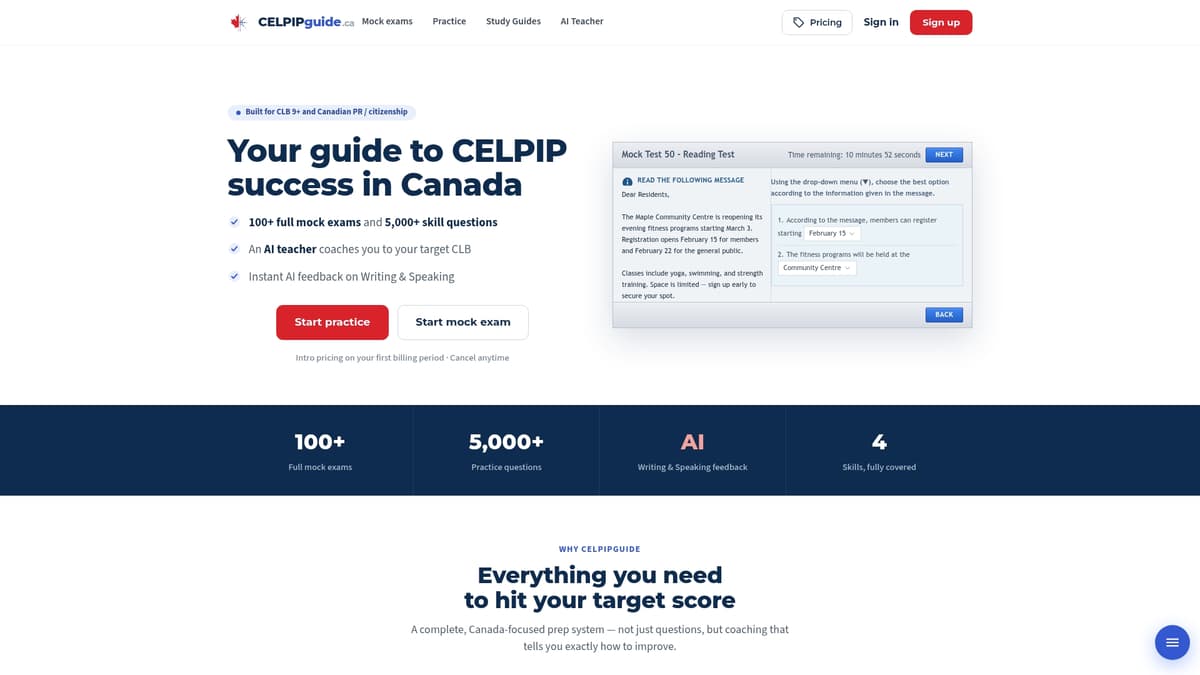
- Full mock exams that reproduce CELPIP timing, so you test your mic distance and volume while under mild pressure.
- AI-driven feedback on your speaking responses, so you hear and see how clear you sound.
- Diagnostic-driven practice that points you to the tasks you should repeat.
The Plus plan costs $29.99 one-off. Use the coupon code BLG30 for a discount on top of any other discounts. You can see the Plus plan here and start rehearsing with full mock tests today.
FAQ
How is CELPIP listening marked?
Listening is scored on the number of questions you answer correctly across its parts. Those raw results convert into a CLB level. Clear audio helps because you can’t score on what you can’t hear, so test your headphones first.
How do I get CLB 9 in CELPIP speaking?
You need clear, well-organised answers that stay on topic and use varied vocabulary. Consistent audio quality supports this, because assessors must hear every word. Practise with timed templates and record yourself to check both content and sound.
Is CELPIP listening easier than IELTS?
It depends on your strengths and how you handle accents and pacing. Many test-takers find CELPIP’s computer-based format familiar and its everyday scenarios approachable. The best way to know is to take a timed practice test in each format.
How do I improve my CELPIP listening?
Listen to a mix of everyday English, take notes on key details, and practise the listening parts under timed conditions. Set your headphone volume before each session so you train in the same conditions as test day.